

VS Code-based editors
Learn about Acton support in VS Code, Cursor, and Windsurf
The TON extension for VS Code supports Acton development, providing intelligent features and toolchain integration.
For installation instructions, see the official TON documentation.
Supported editors
The extension is compatible with:
- Visual Studio Code;
- Cursor;
- Windsurf;
- VSCodium;
- And other VS Code-based editors.
Recommended TOML extension
We recommend installing Even Better TOML
as well. It ensures Acton.toml is treated as TOML, while the TON language server provides
Acton schema completion and hover documentation for the file.
Acton.toml support
Quick actions
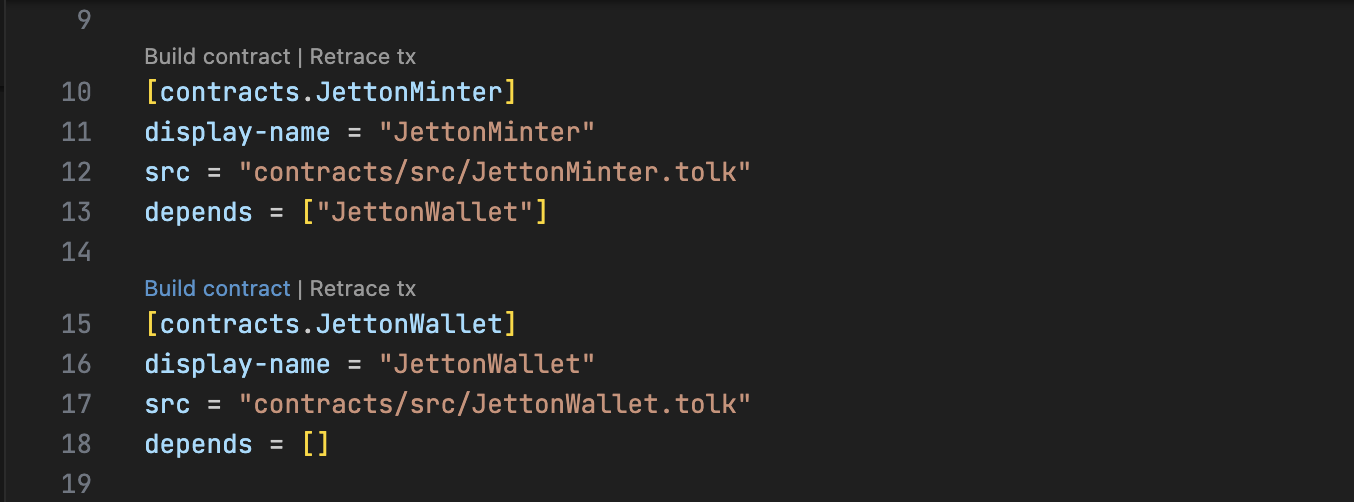
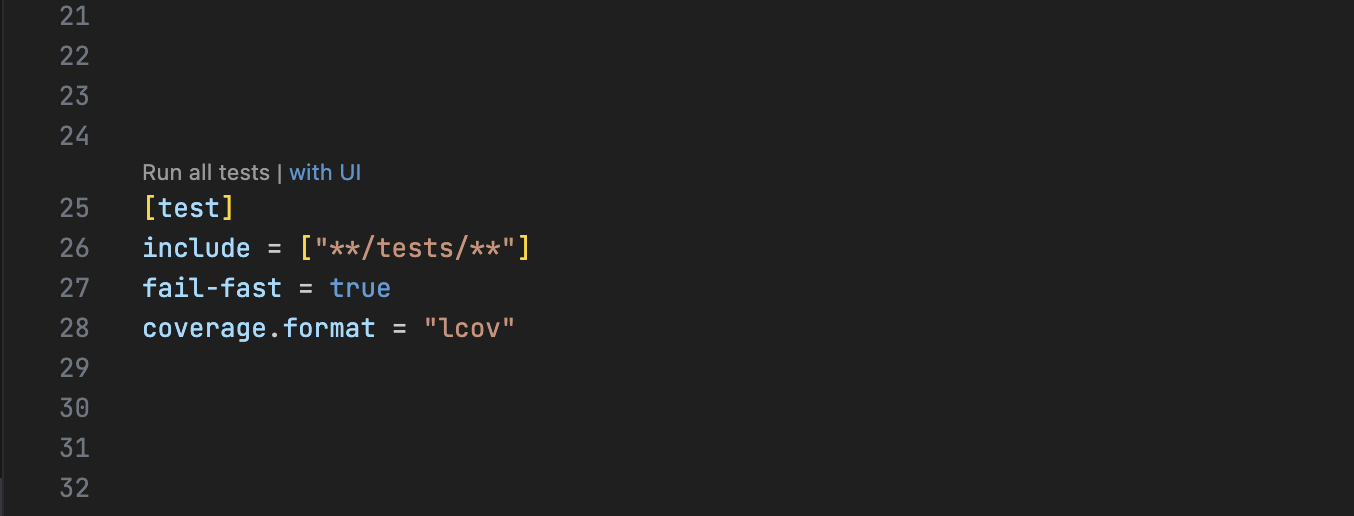
Code lenses allow running builds and tests directly from the Acton.toml file.
Building a specific contract
Running project tests
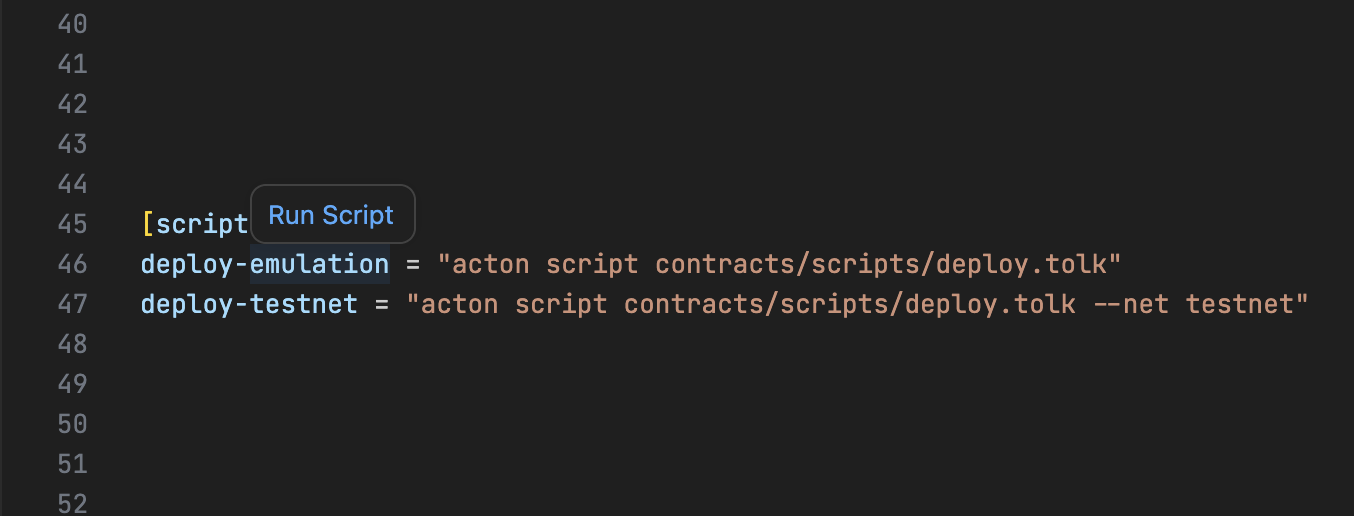
Running a script
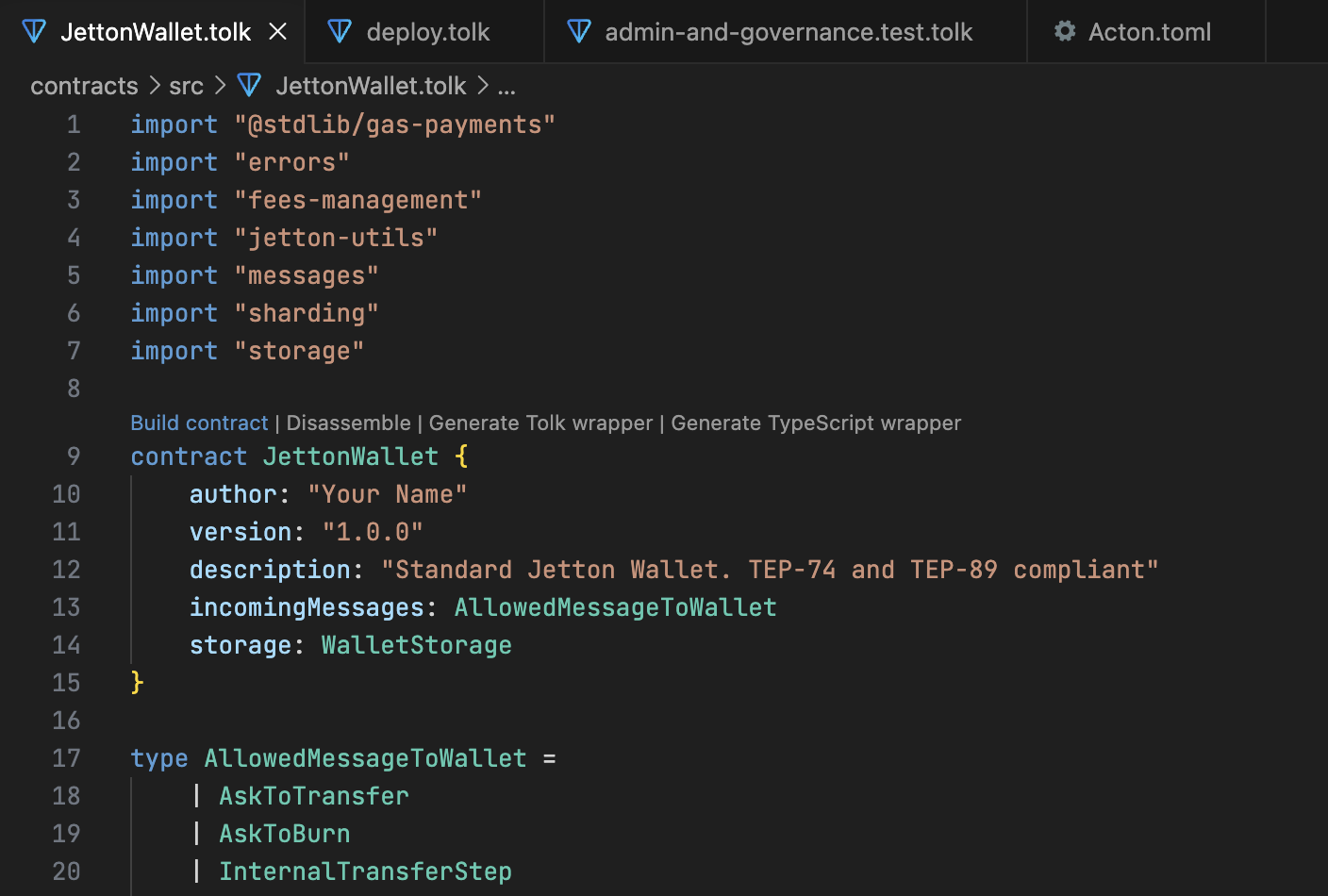
Contract actions
For contracts declared in Tolk files, the extension adds code lenses to build the contract and generate Tolk or TypeScript wrappers.
Disassembly
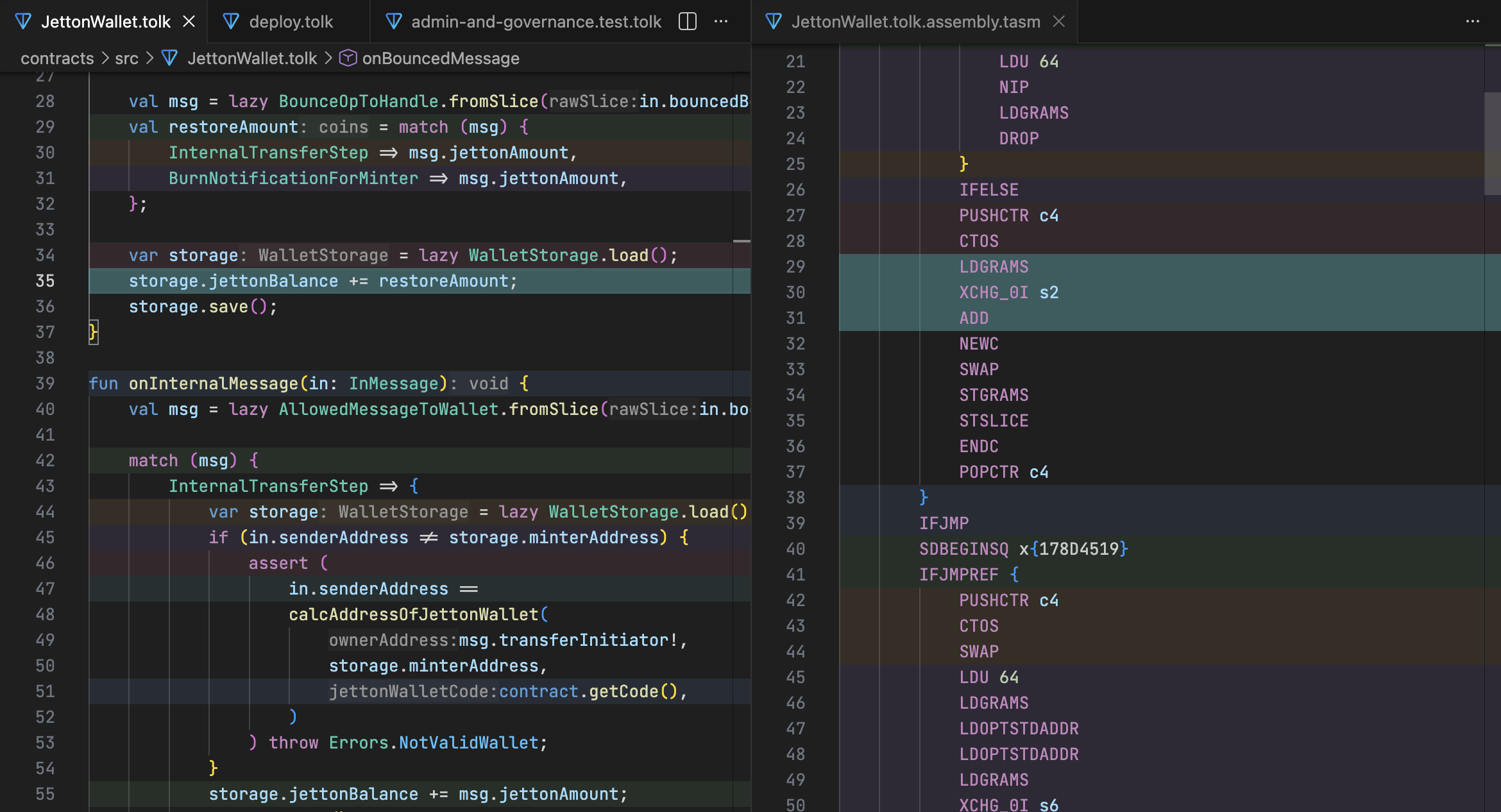
The extension can open an assembly preview for a Tolk contract, making it easier to inspect the compiled code without leaving the editor.
Testing
Native test runner
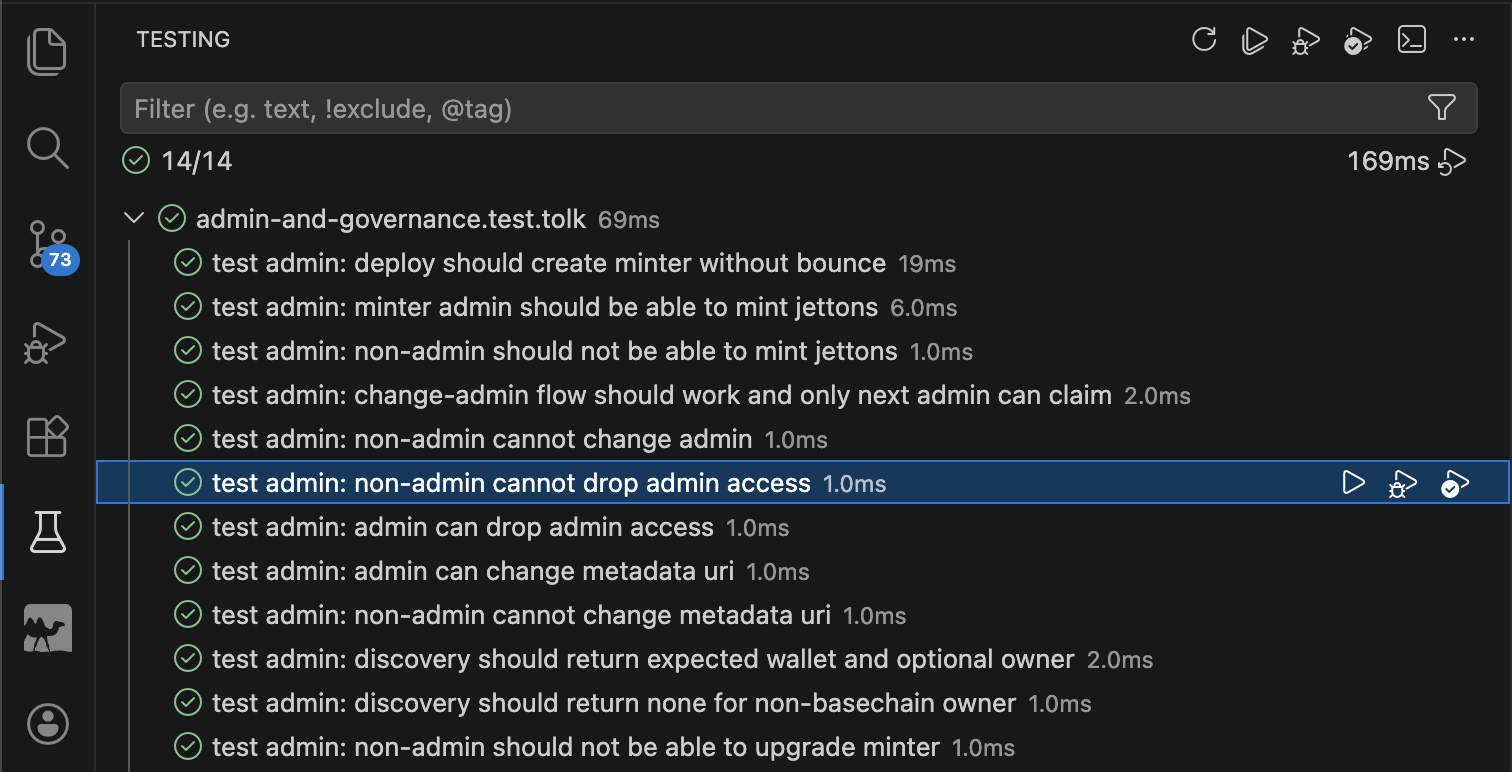
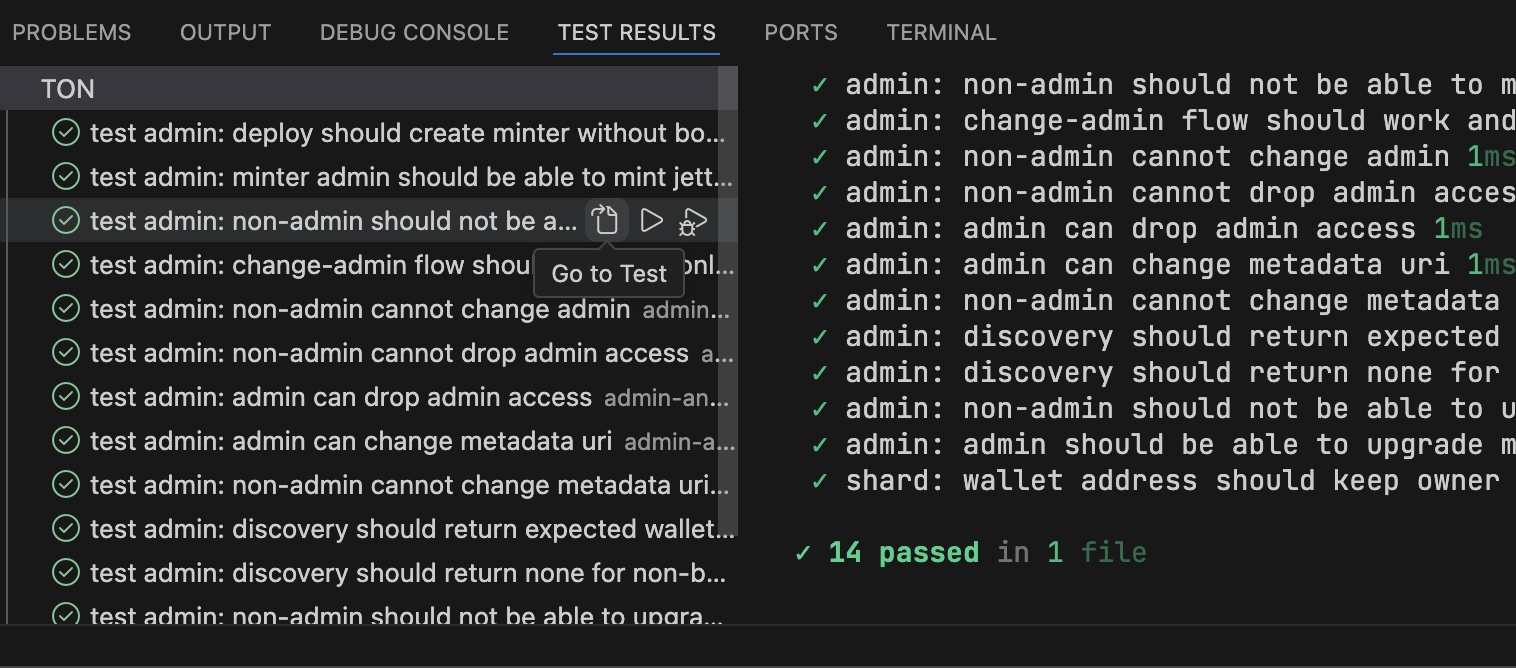
Acton tests integrate with the IDE's native test runner, providing a hierarchical view and progress indicators.
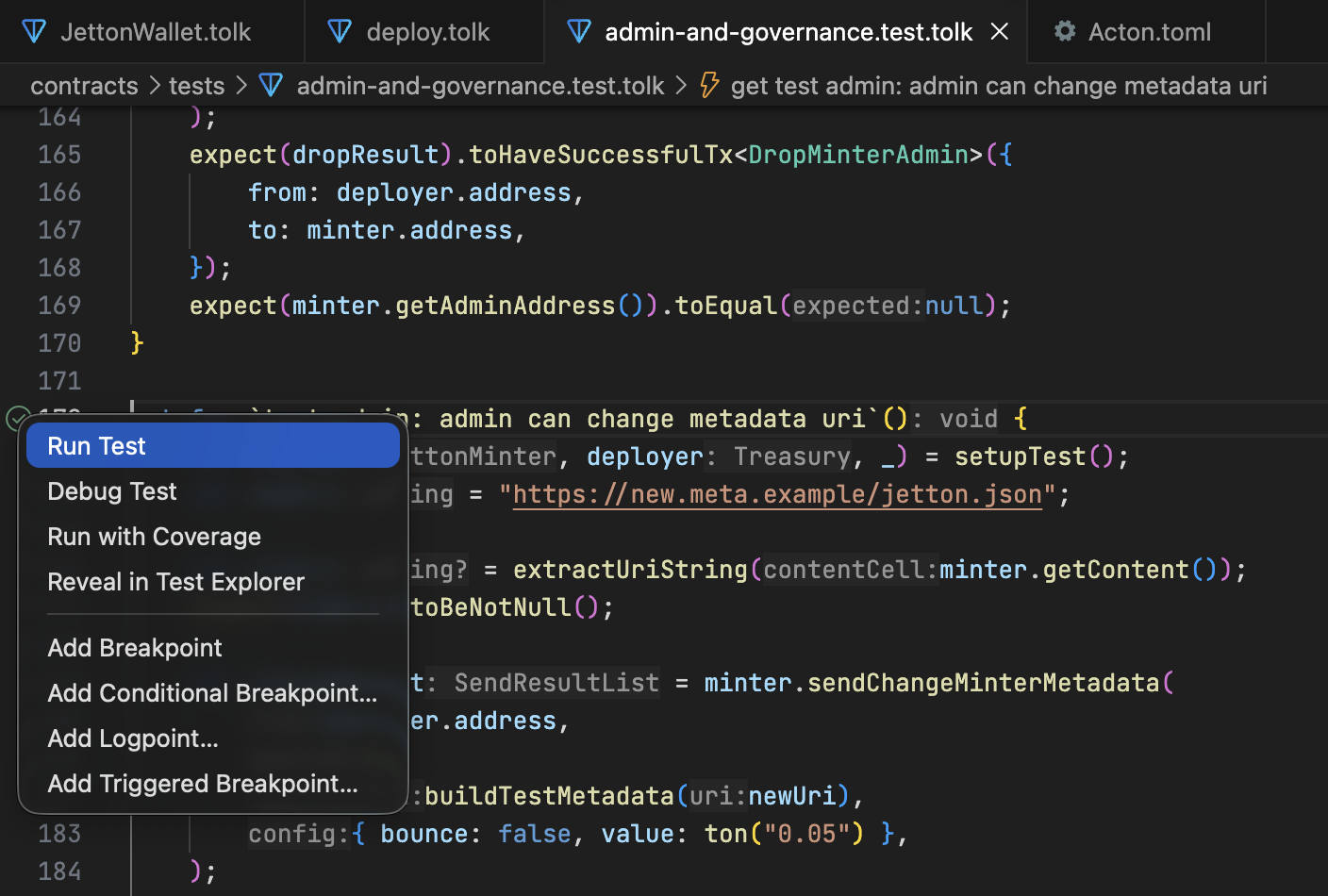
For convenient execution, the extension provides a test run icon in the editor.
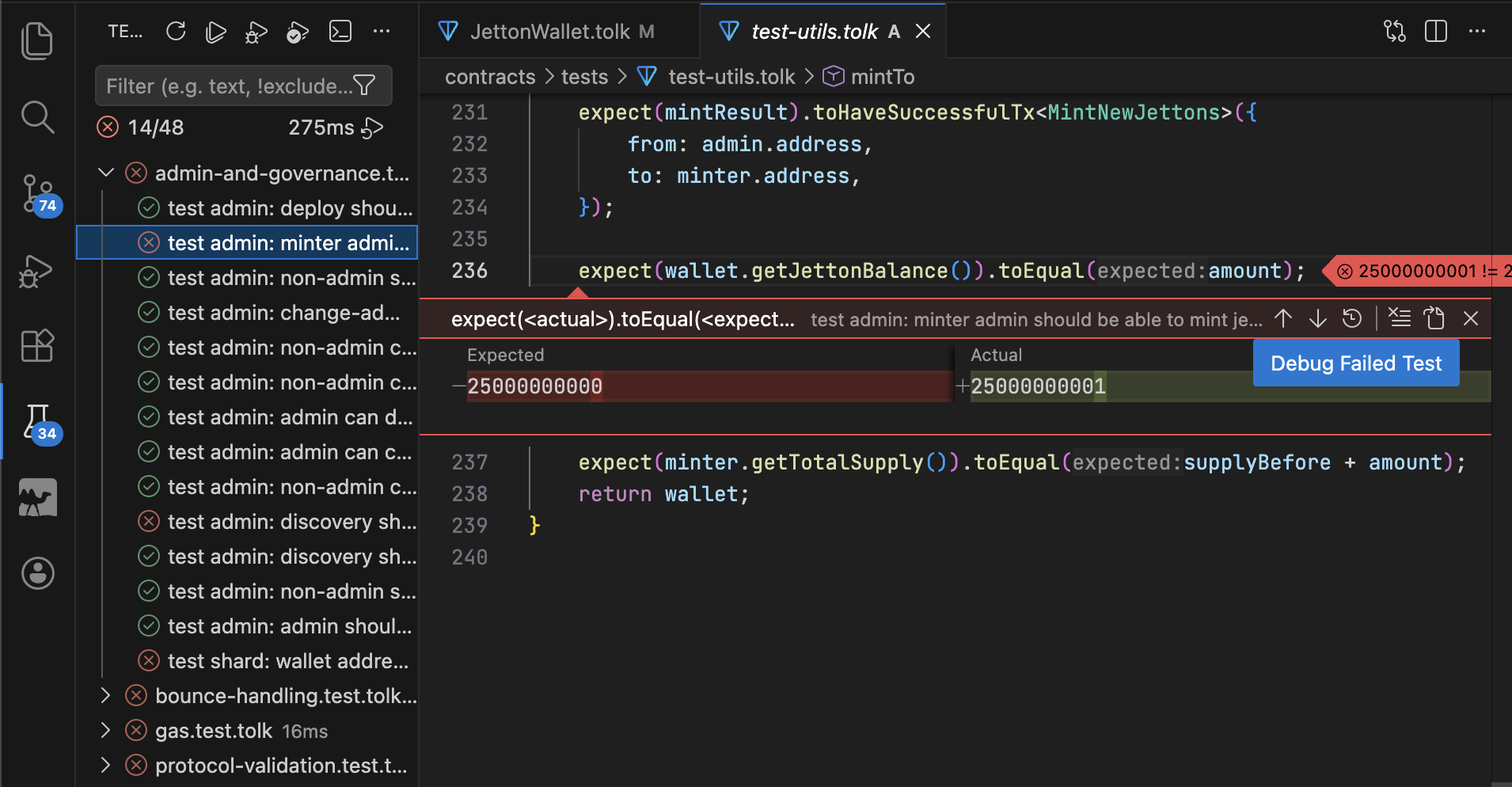
Failure analysis
When a test fails, the extension highlights the specific expect call that failed and changes the test icon.
Debugging
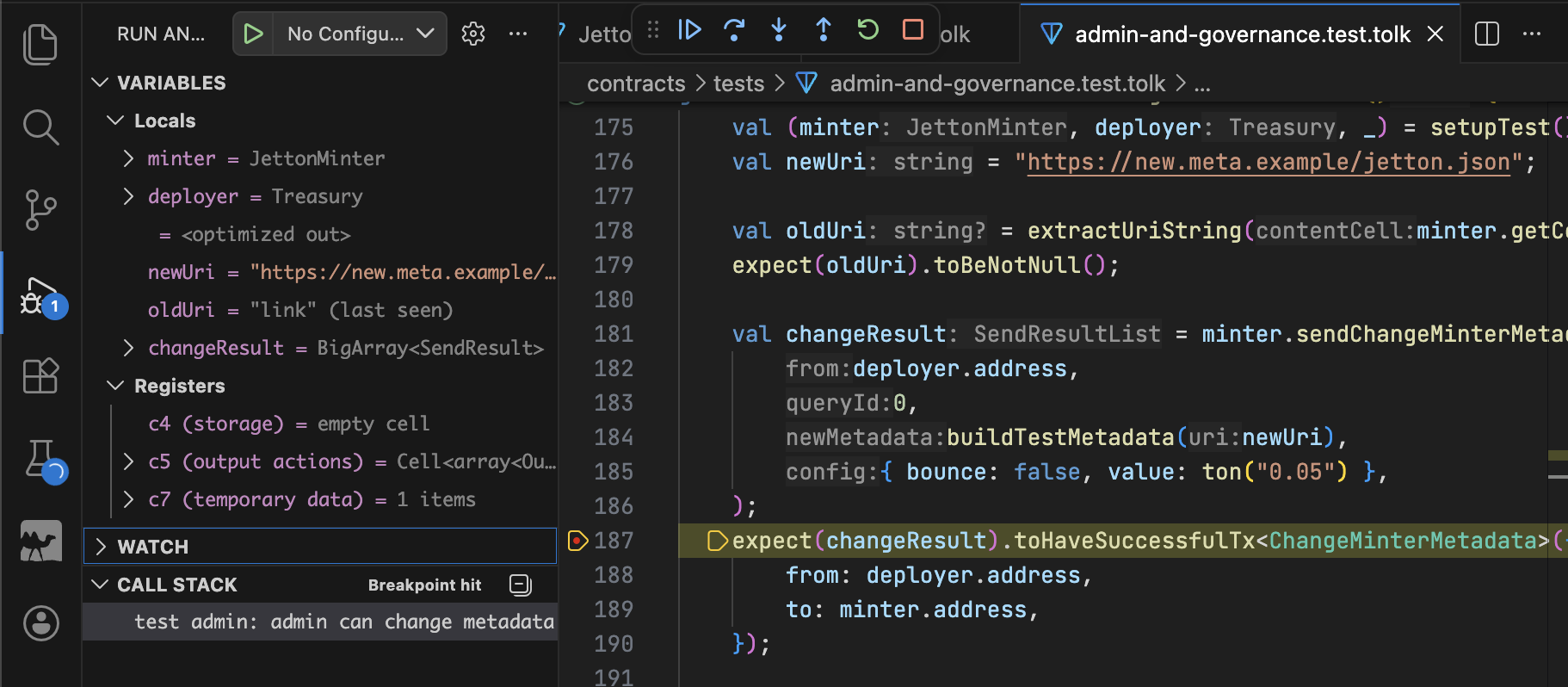
Set breakpoints in Tolk tests and contracts, start debugging from the editor, and inspect stack frames, local values, and TVM registers.
Code coverage
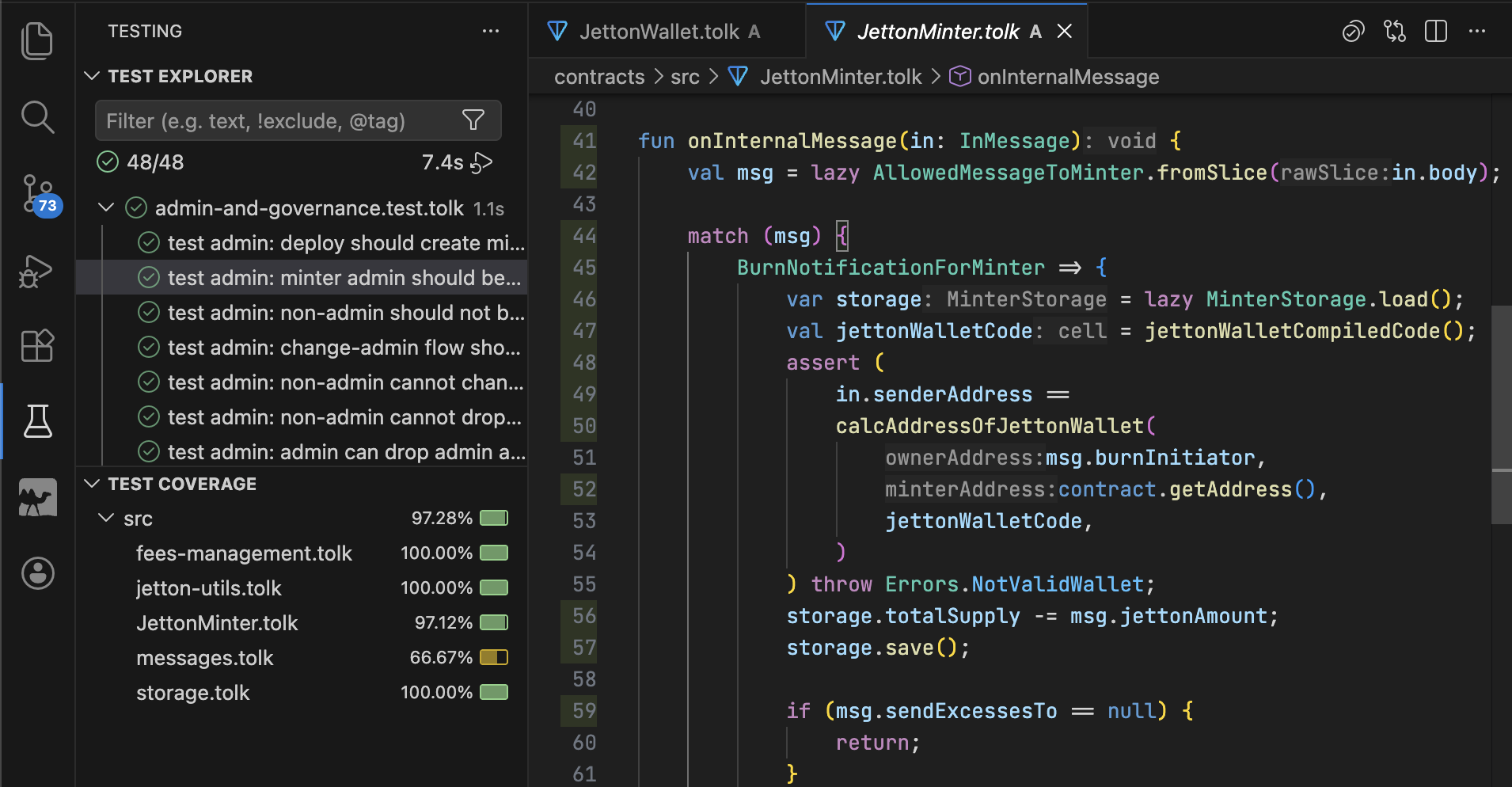
Coverage results are displayed in the editor gutter and file tree, showing which contract lines were executed during tests.
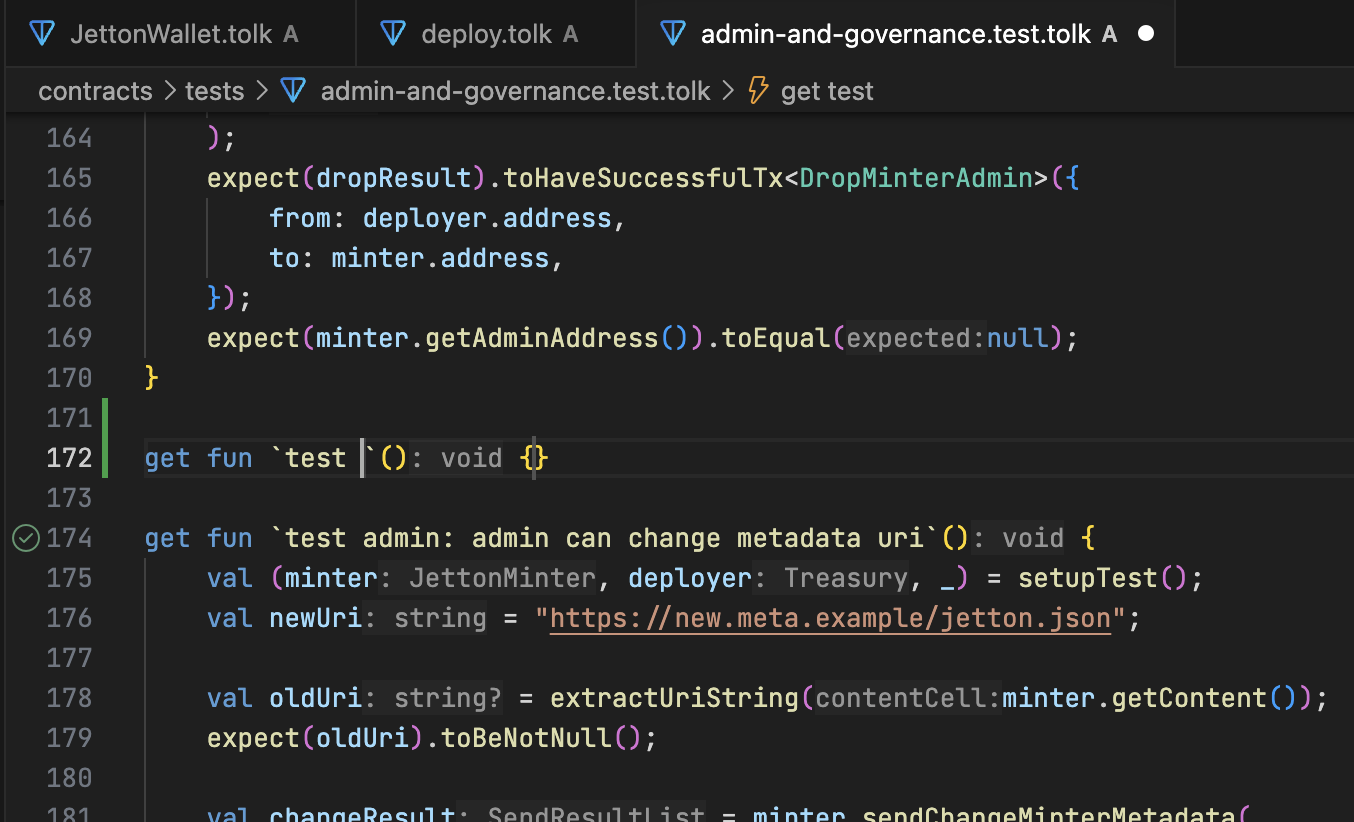
Test snippets
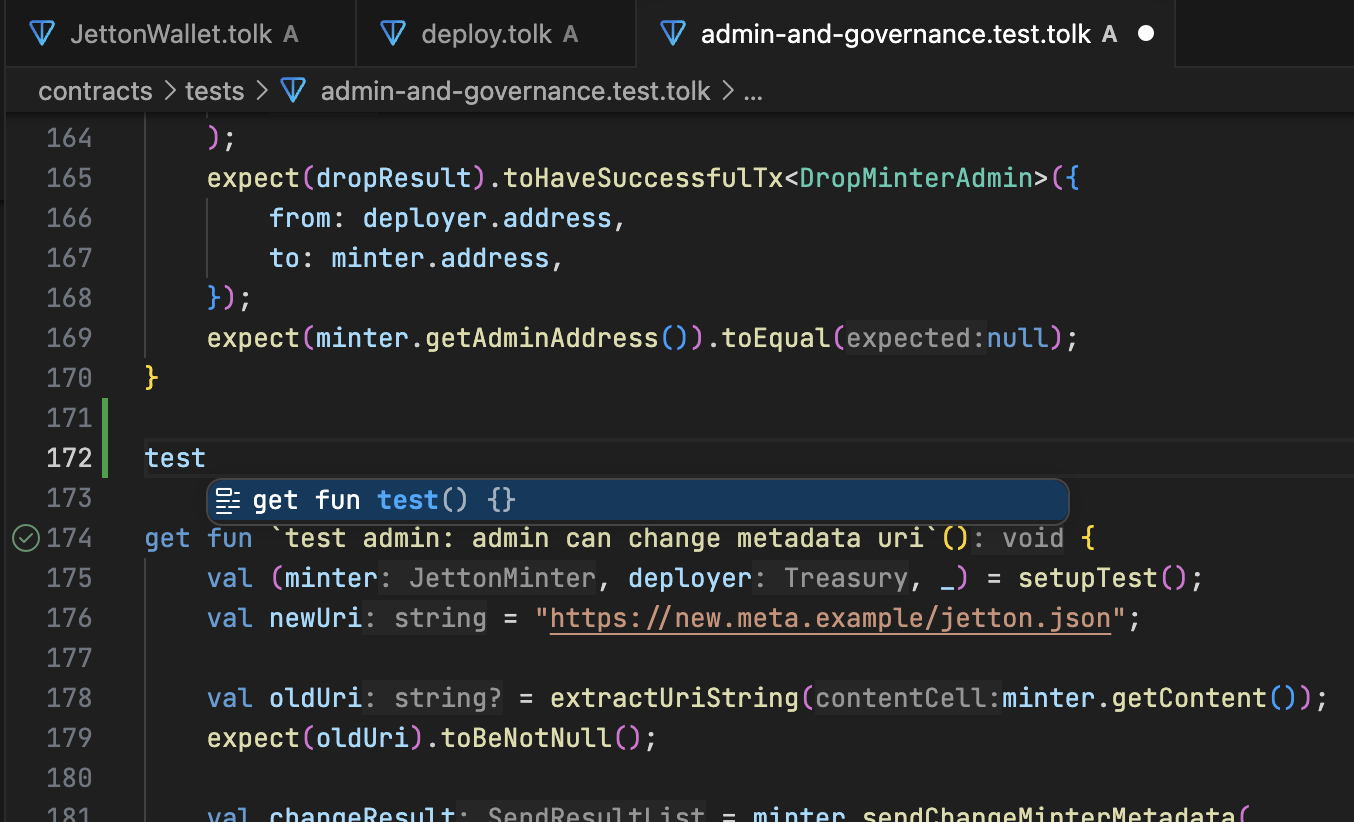
The test live template allows generating test structures by typing test and pressing Tab.
Toolchain Integration
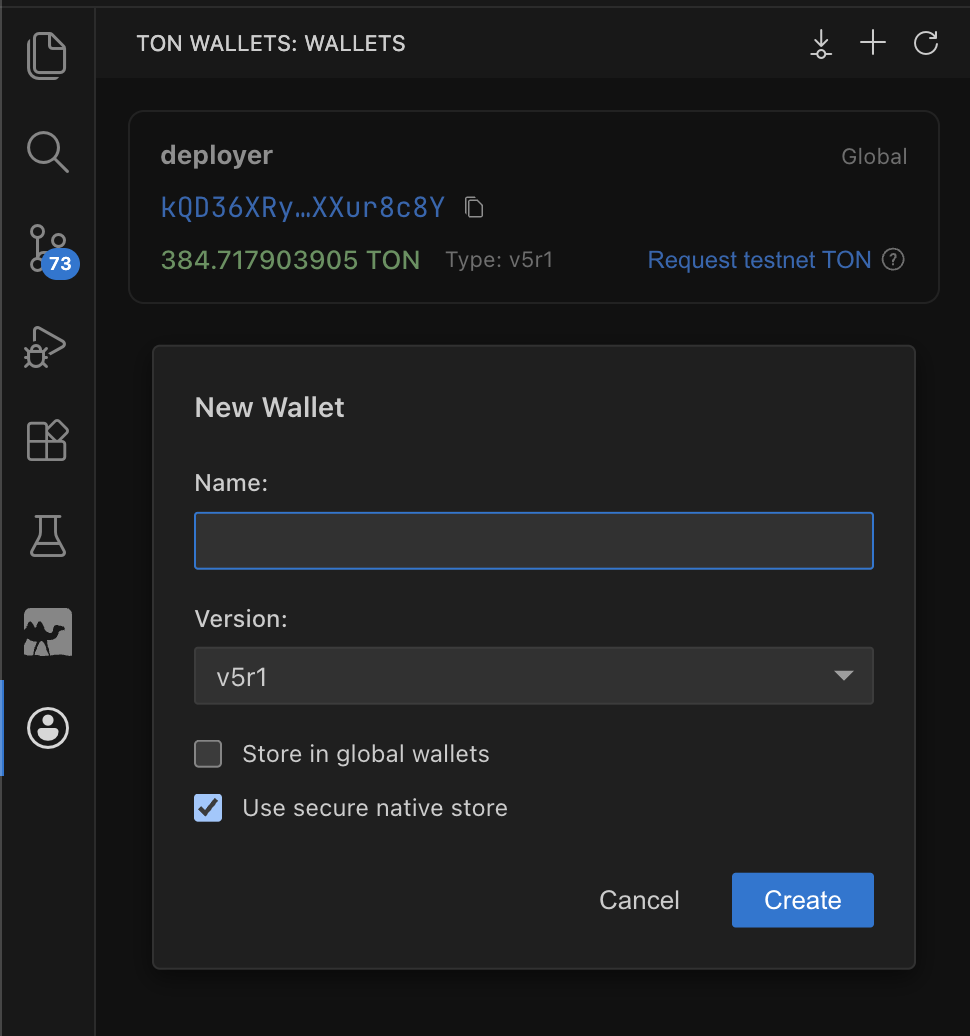
Wallet management
The Wallets View allows managing project wallets, including generation, import via mnemonic, balance tracking, and testnet GRAM requests.
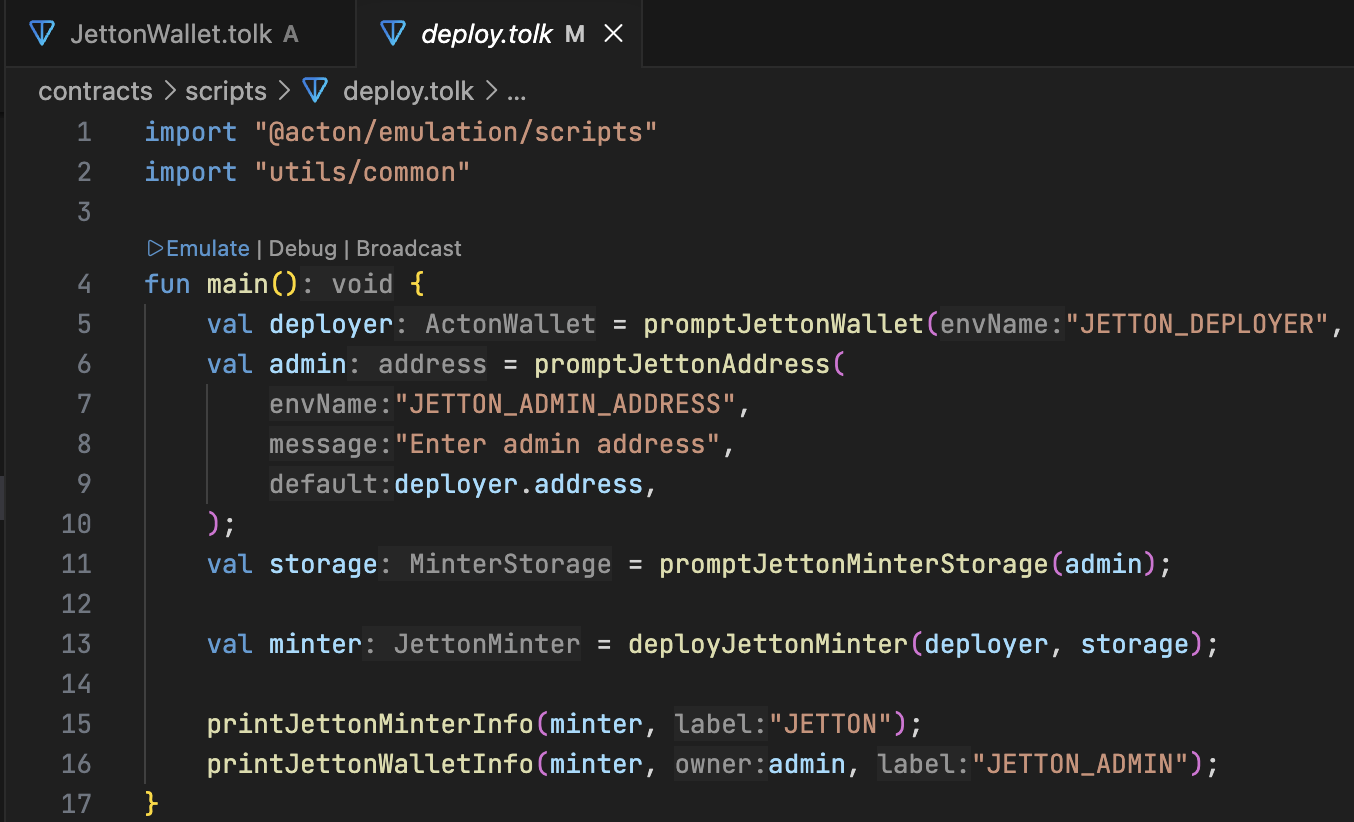
Script execution
Scripts can be executed via code lenses:
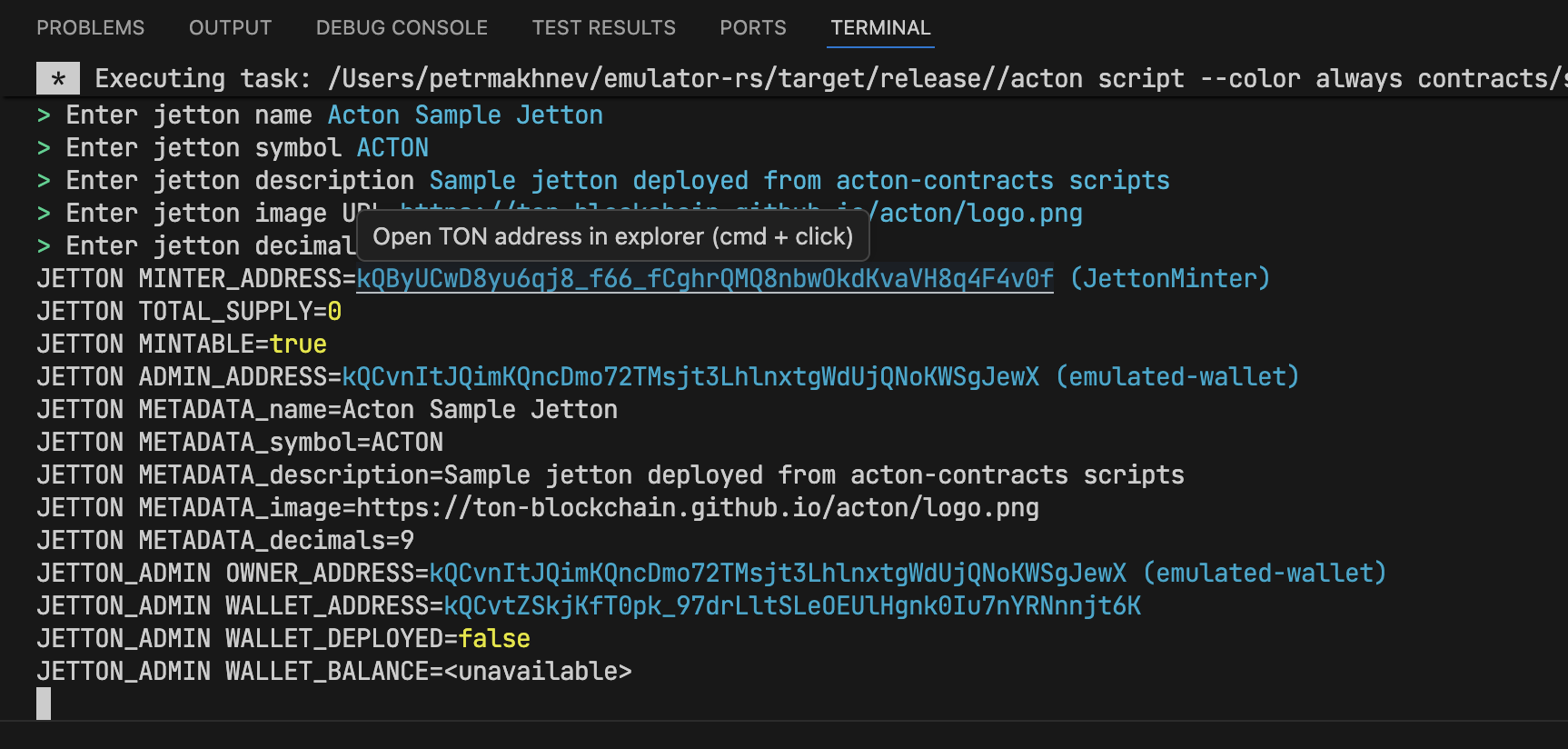
Terminal links
TON addresses in Acton terminal output are converted into clickable links that open the configured block explorer.
Linting
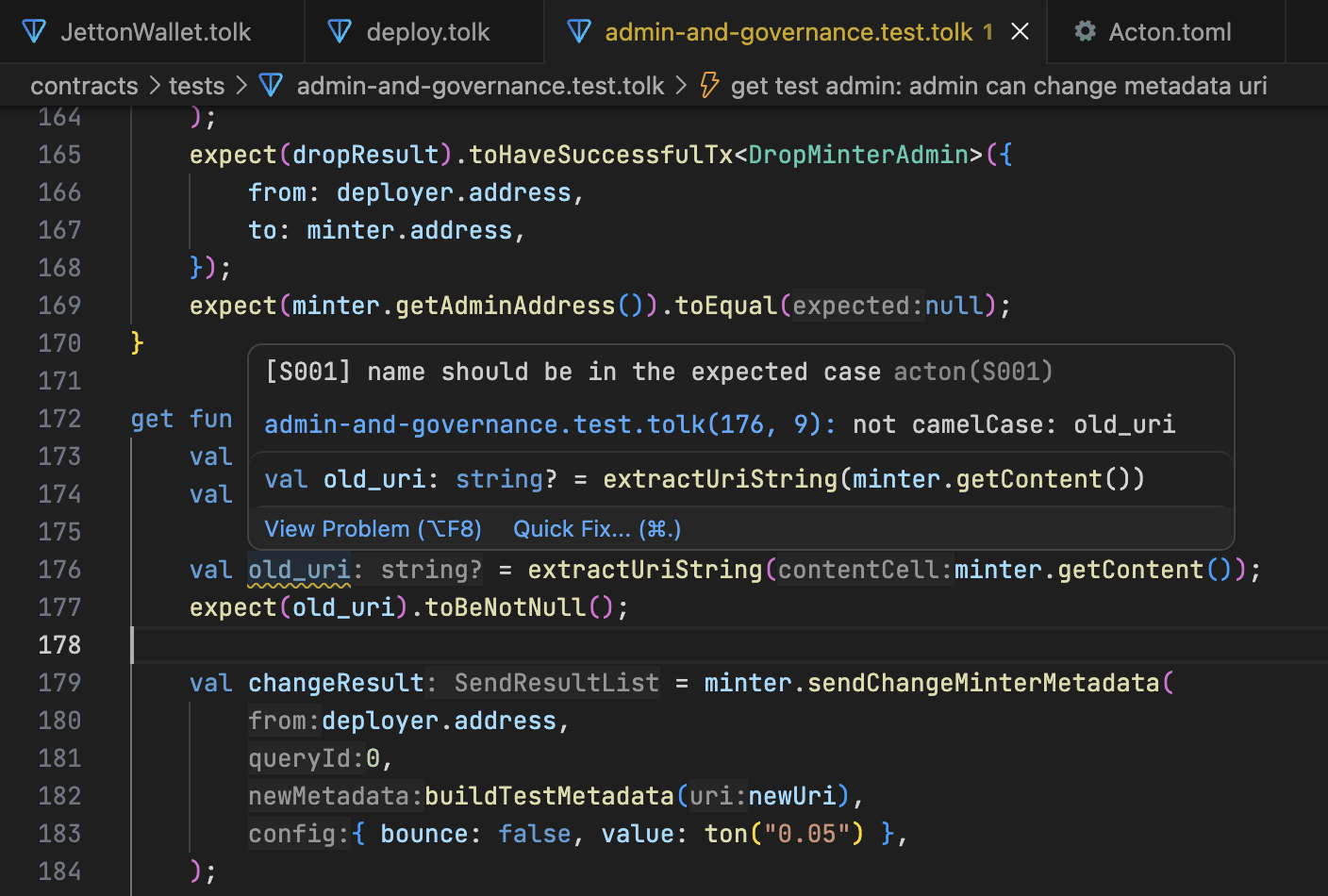
The extension runs acton check for Tolk files and reports diagnostics directly in the editor.
Available fixes can be applied from the Problems panel or the inline quick-fix menu.
Last updated on